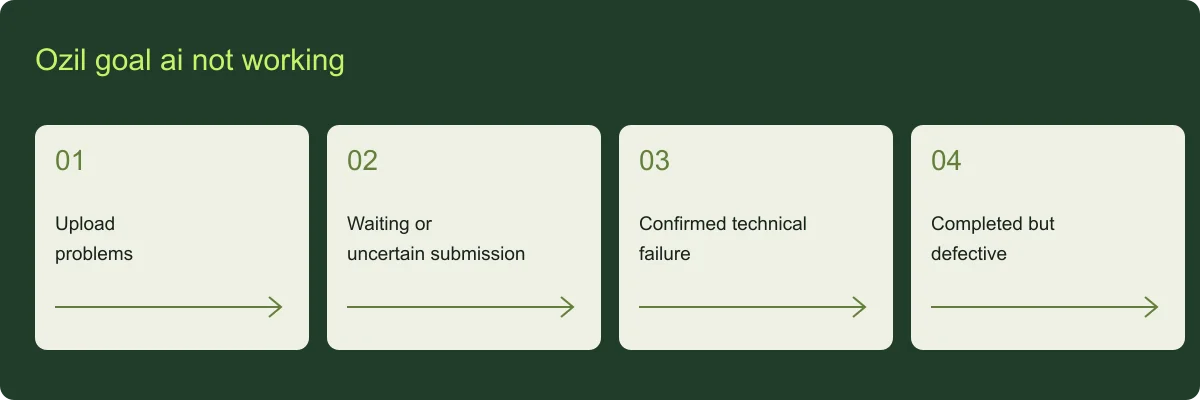
Ozil goal ai not working: upload problems
For ozil goal ai not working, check the file type and size: JPG, PNG or WebP, no larger than 5 MB. Sign in before uploading. If the preview looks wrong, choose the correct photo before the paid task is submitted.
Ozil goal ai not working: waiting or uncertain submission
For ozil goal ai not working, queued and processing tasks may still be active. If acceptance could not be confirmed, the site keeps the request for review instead of automatically resubmitting. The original reservation should not be treated as a second purchase.
Ozil goal ai not working: confirmed technical failure
For ozil goal ai not working, a provider rejection or terminal failure returns the reserved video credit once. The account ledger records that adjustment. Failure to save a completed file requires delivery recovery; a temporary download error should not create another generation.
Ozil goal ai not working: completed but defective
For ozil goal ai not working, for a missing finish, severe identity drift or a broken sequence, submit a review within seven days with the task ID and a specific description. An approved severe defect gets one redo; an unresolved defect can receive the allocated refund.