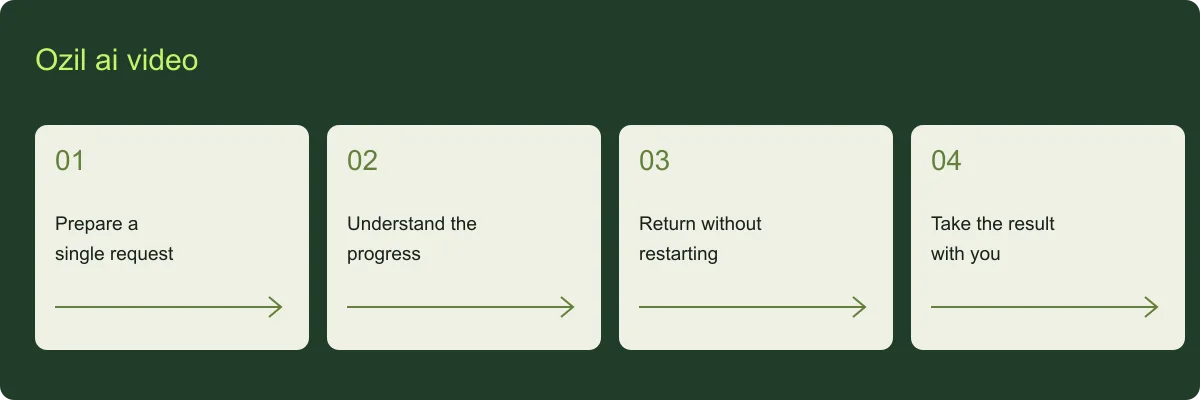
Ozil ai video: prepare a single request
For ozil ai video, a JPG, PNG or WebP up to 5 MB can be uploaded after sign-in. Confirm the person and permission before generating. Changing a selected photo before submission is different from paying for another generated attempt.
Ozil ai video: understand the progress
For ozil ai video, queued means waiting to start. Processing means the provider is working. Saving means the output is being transferred into site storage. Submission uncertain means acceptance must be reconciled, not that another charge should be issued.
Ozil ai video: return without restarting
For ozil ai video, the task remains in My videos. Refreshing the page must not create another job. If the provider accepted a request but the response was lost, the original task is held for review rather than retried automatically.
Ozil ai video: take the result with you
For ozil ai video, when ready, play and download the MP4. The observed local render took 2 minutes 41 seconds, but that is one experiment, not a deadline. Save your copy within the retention window.