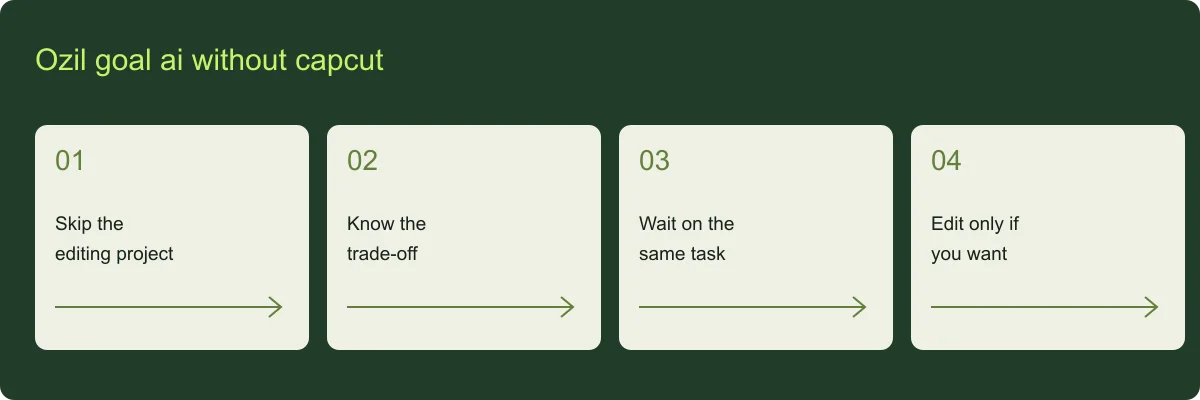
Ozil goal ai without capcut: skip the editing project
For ozil goal ai without capcut, the site supplies the motion reference and prompt. Your part is selecting the photo, reviewing the output specification and submitting the task. There is no template-project file to download before generation.
Ozil goal ai without capcut: know the trade-off
For ozil goal ai without capcut, the output is a fixed 15-second, 480p portrait sequence with no sound. It does not offer every effect from a video editor. A browser workflow simplifies the preparation but does not guarantee perfect identity or motion.
Ozil goal ai without capcut: wait on the same task
For ozil goal ai without capcut, after submission, check the status in My videos. A refresh or backgrounded tab should not trigger a second paid job. Return to the account to retrieve the result once the saved file is ready.
Ozil goal ai without capcut: edit only if you want
For ozil goal ai without capcut, use the downloaded MP4 directly or import it into an editor for captions and licensed audio. You can choose CapCut or another editor for this optional step; it is not required to create the silent clip.